 Ai
Screens are everywhere in a distribution centre. You’ll find them at the docks, on forklift trucks and at the packing tables. Staff use them to read out orders and see at a glance what needs to be dispatched today.
When making a purchase, people often look first at the price per screen. An office monitor then seems a logical choice, as it is cheap and delivered quickly. But a warehouse is not an office, and you’ll realise that after a few months in the cold and dust.
That is why many logistics companies opt for screens designed for commercial and industrial use. Beetronics monitors are a prime example of this, with models designed to operate day and night. Below, you can read about what to look out for when integrating screens into your logistics chain.
A warehouse places greater demands on hardware
In the logistics sector, work rarely stops at five o’clock. Many warehouses operate in shifts, sometimes seven days a week. A screen that isn’t designed for this will deteriorate more quickly or fail at the worst possible moment.
The environment is also a factor. An open dock is cold and draughty in winter, whilst a cold store has different requirements altogether. Dust from cardboard and pallets ends up everywhere, including in the ventilation system of a standard monitor.
A display that’s out of action costs more than the display itself. An order picker who can’t see their list comes to a standstill. So, before you make your choice, weigh up the cost of such a disruption against the purchase price.
Screens on the move and on the shop floor
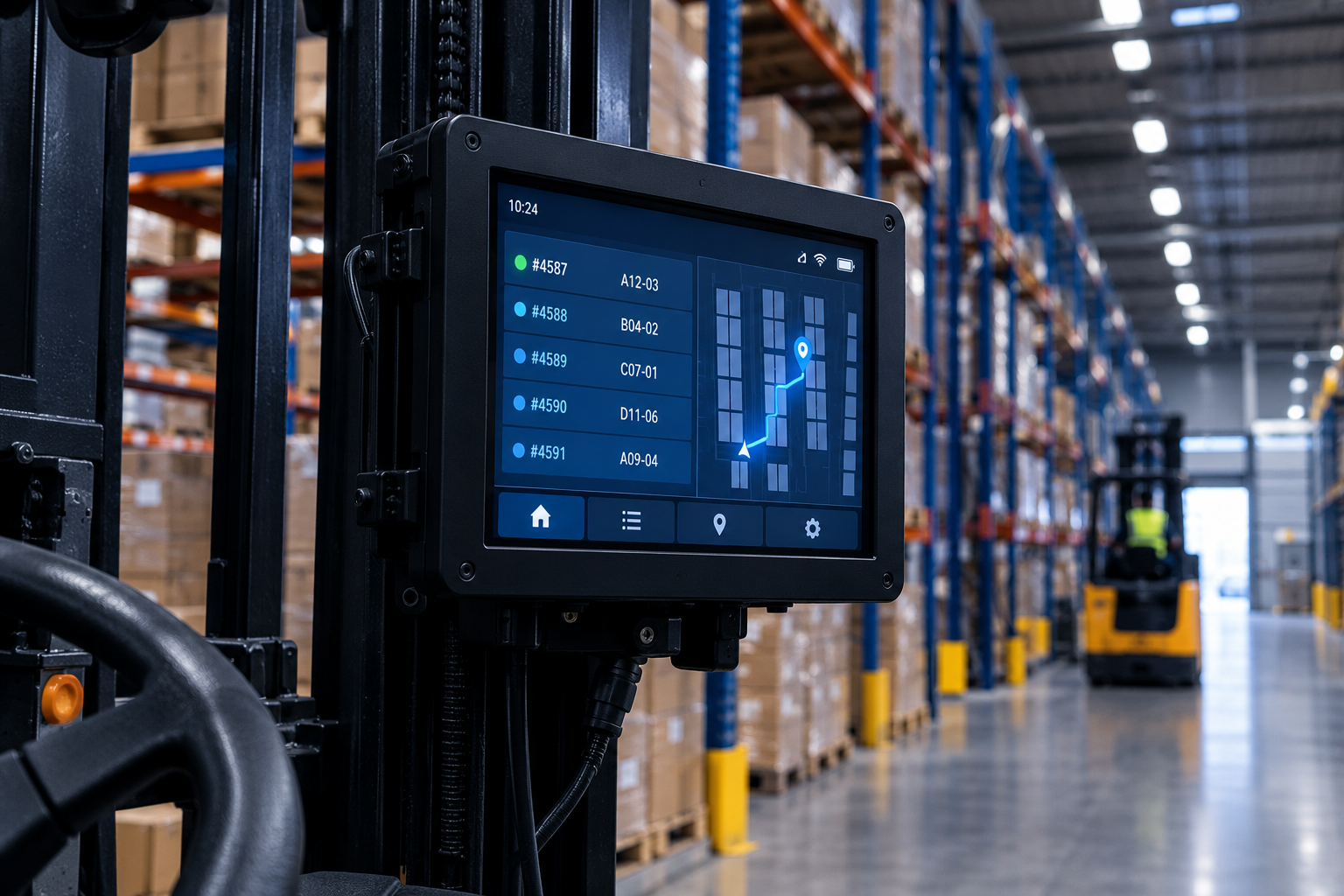
A large proportion of the screens move along with the work. On forklift trucks and reach trucks, they display orders and locations. In lorries, they help the driver with the route and deliveries.
Moving vehicles cause vibrations and jolts. A screen in a cab must be able to withstand this and remain clearly legible when the sun shines through the windscreen. So ask the supplier whether a particular model is actually intended for use in vehicles.
On the shop floor, touchscreens are particularly common. They’re handy at packing stations and for handling returns, where staff need to confirm things quickly. Make sure that such a screen is easy to operate, even when someone is wearing work gloves.
Take stock first, then place your order
Start by taking a tour of your own warehouse. Make a note of where screens are needed and exactly what staff use them for. A screen at the loading bay serves a different purpose to one on a forklift truck.
Be sure to involve the people who work with them on a daily basis. They know where the light is a nuisance and where a screen is in the way. Their experience will prevent you from installing screens in the wrong place.
If in doubt, seek advice from a specialist. They can advise you on the right type of screen for each location and how to install it. That way, you’ll get it right first time and won’t need to exchange anything afterwards.
Standardisation pays off in the long term
A warehouse with ten different types of racking is difficult to manage. Each type requires its own brackets and spare parts. It is therefore better to choose a standardised range that can be used anywhere.
That will only work if the screen is still available in a few years’ time. Some manufacturers deliberately choose components with long-term availability. That way, you can set up a new site later on using the same model as the first one.
Also bear in mind your supplier’s stock levels. A supplier who can deliver from stock in both small and large quantities will be able to help you quickly if you need to expand or if a screen breaks. In a sector where every day counts, that’s no luxury.